Fast channel changes
The playback engine is pre-warmed. Nothing waits on the network before a zap.

Cross-platform desktop IPTV player for Dispatcharr, M3U/XMLTV playlists and Xtream accounts.
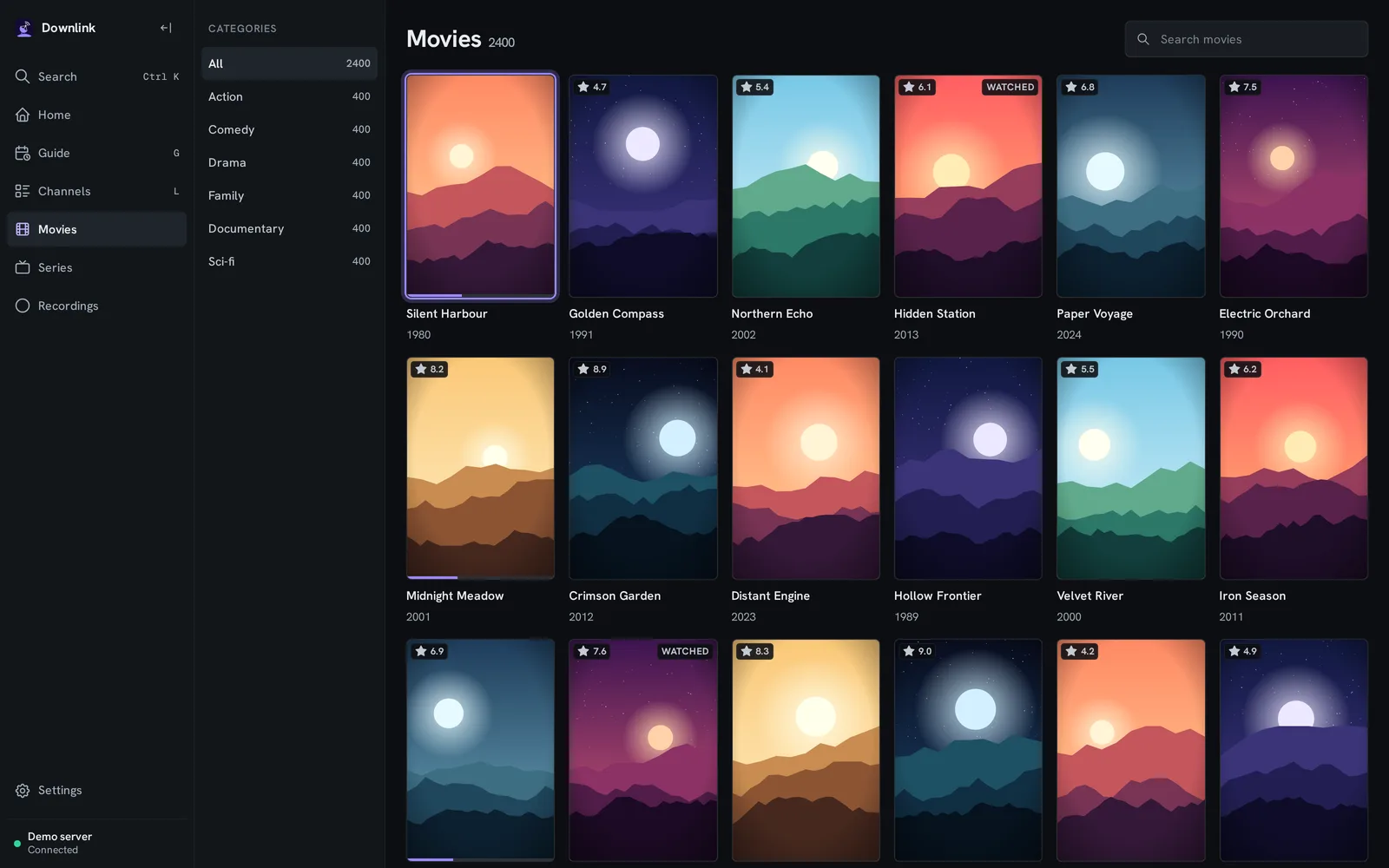
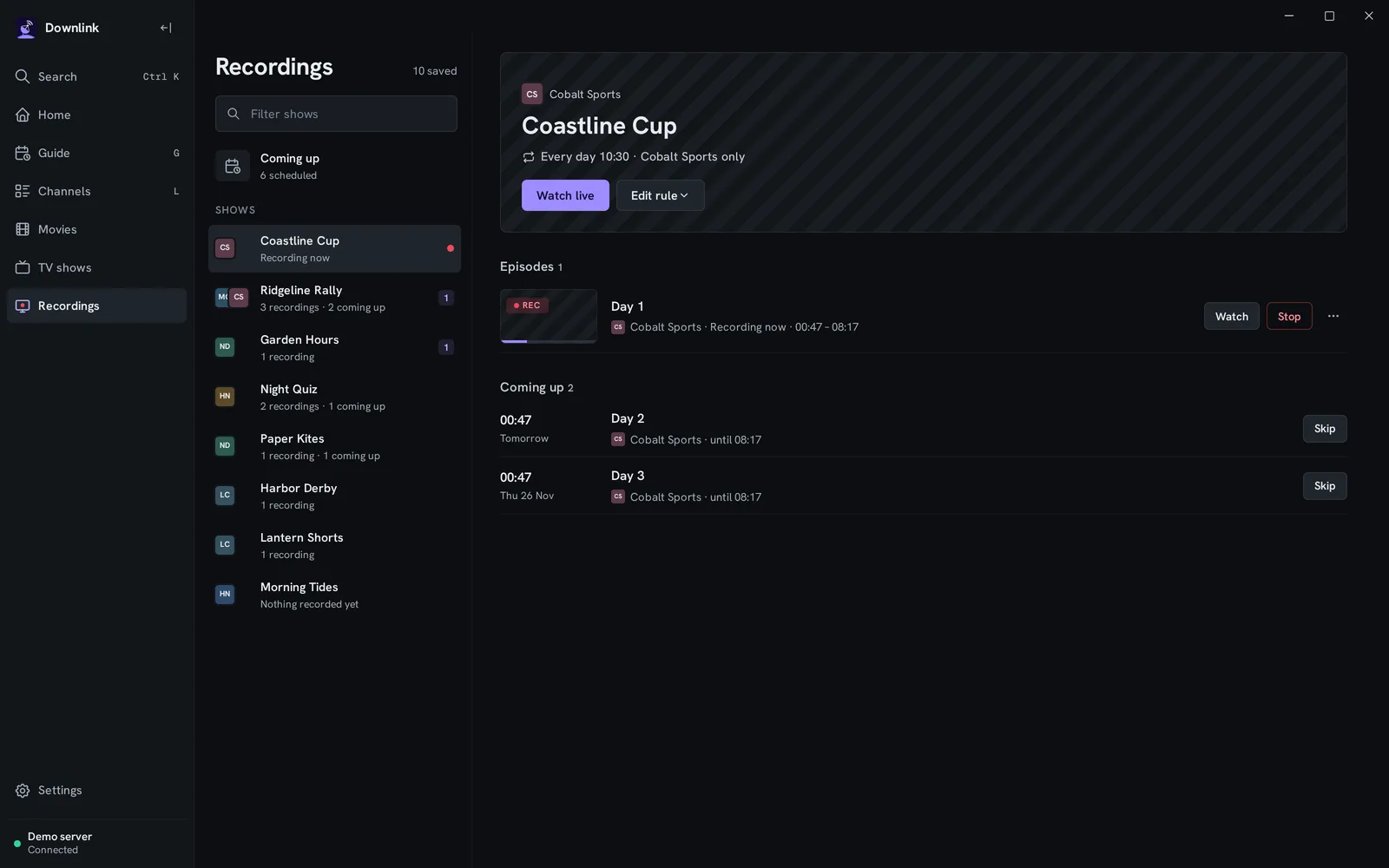
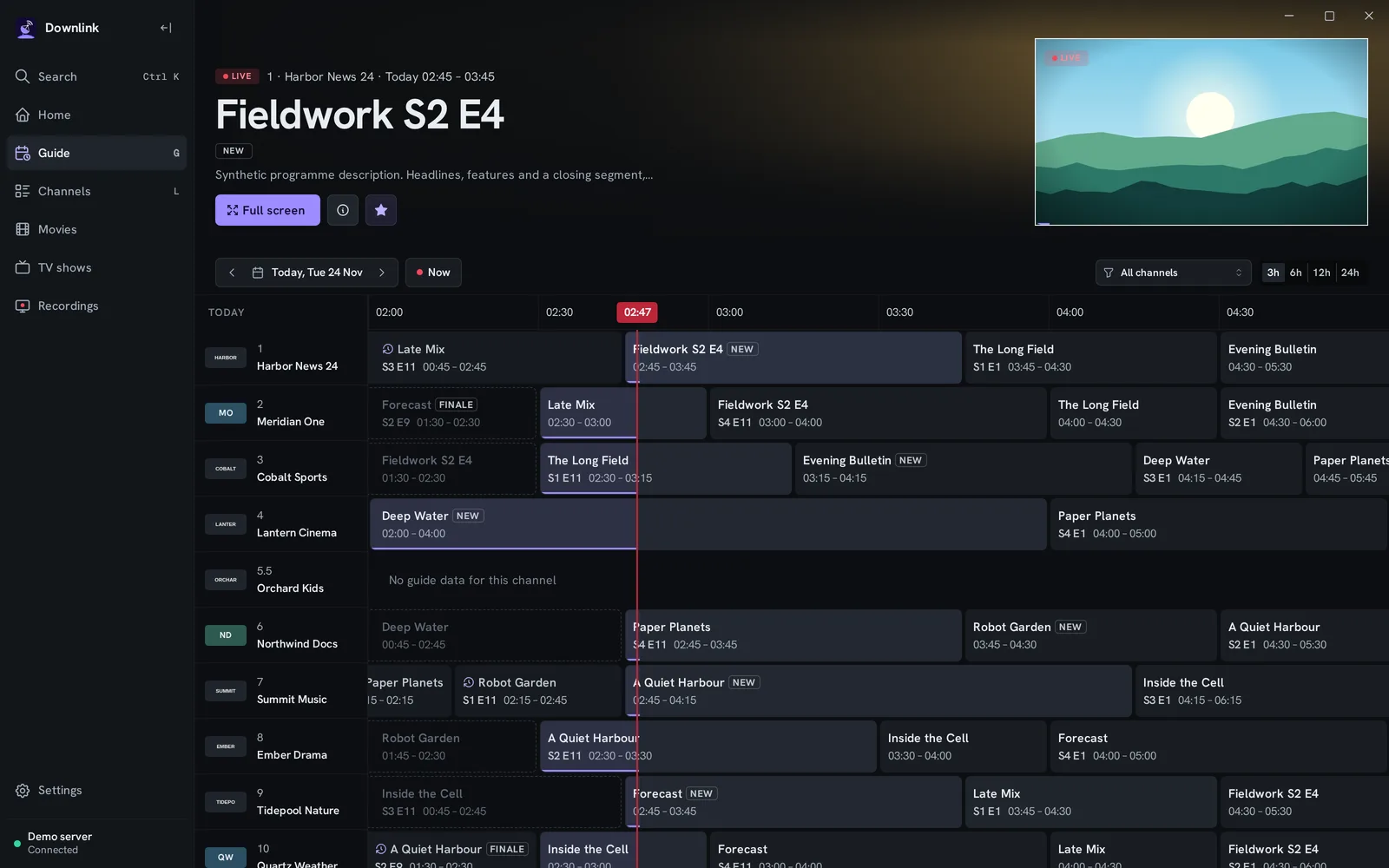
Live channels, VOD and DVR. Fast, easy to use, and reliable.
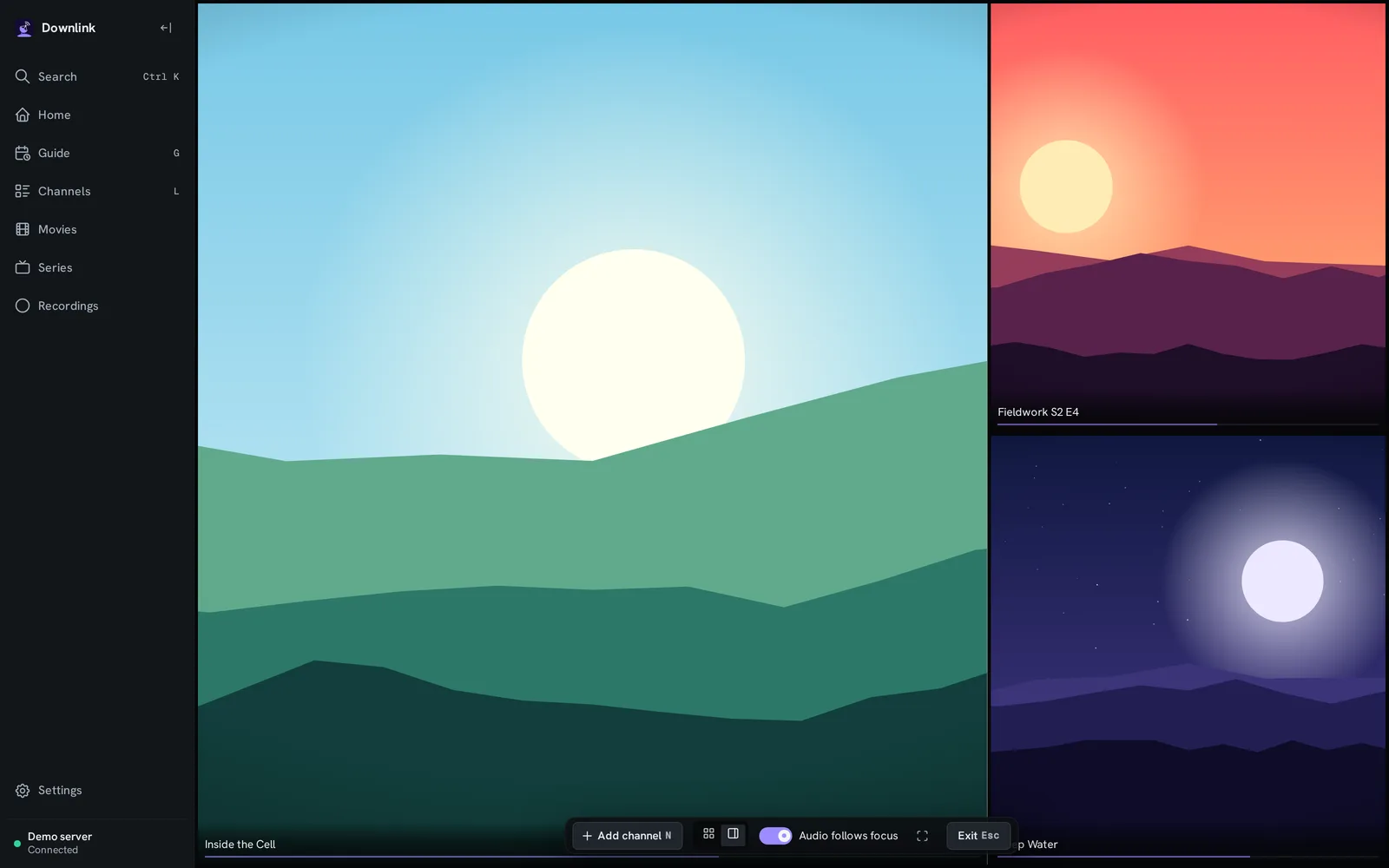
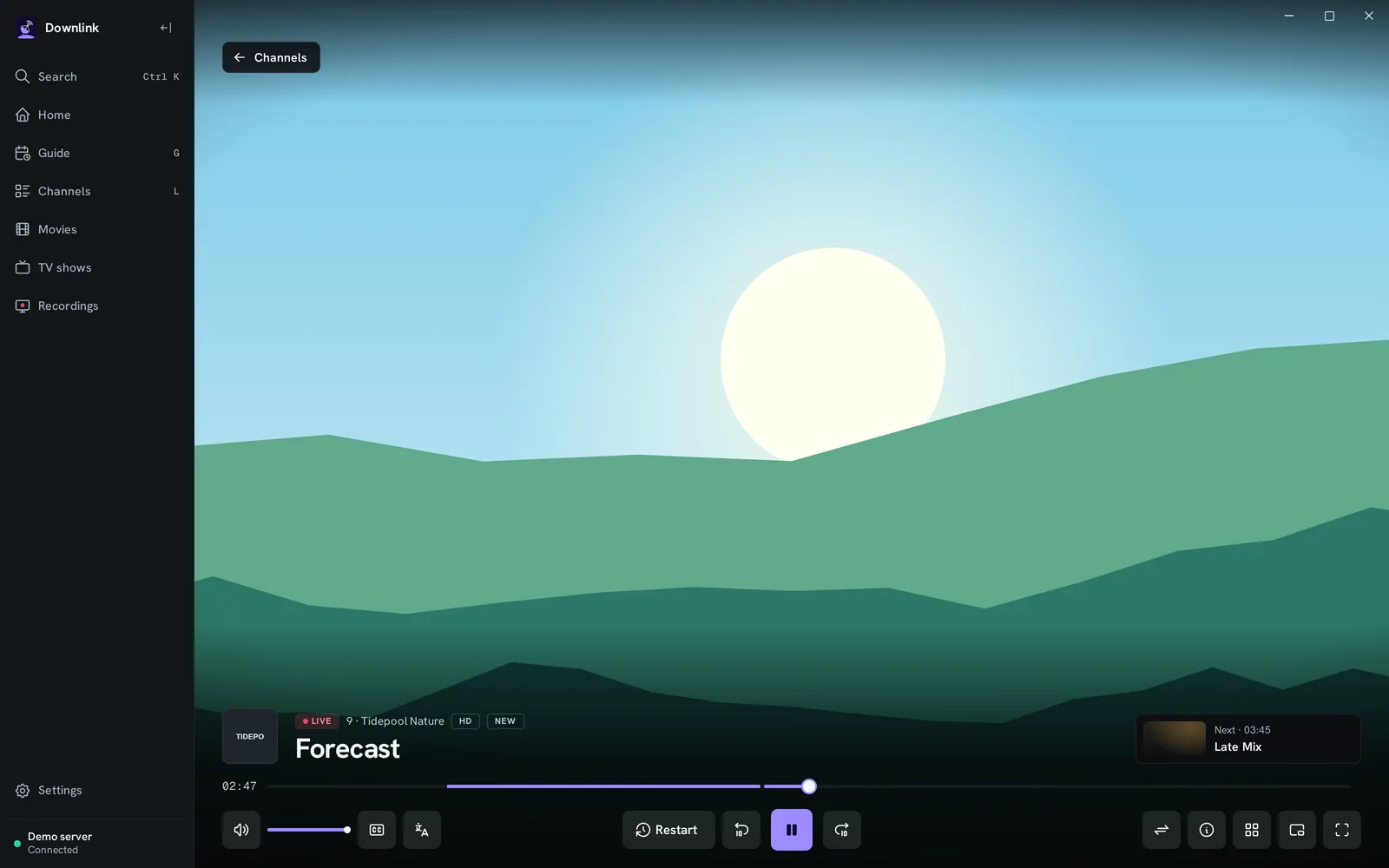
Screenshots use synthetic test data.
Correctly plays SDR and HDR content on all display types, with tone mapping where required.
Upscales lower-resolution channels to fit your display.
Turns SDR broadcasts into HDR on an HDR display.
 SDRRTX HDR
The playback engine is pre-warmed. Nothing waits on the network before a zap.
Hardware decode where your machine allows it.
Add as many as you like and switch between them.
Credentials and API keys are never written to the database or the logs.
Signed releases, checked in the background and installed when you quit.
Sign in to Plex and jump from a title to the same one in your Plex library.
Add a TMDB key for artwork, ratings, taglines and trailers on programs, recordings and VOD.